 HK CONNECT · 2025
ON STAGE
Seven topics. The audience decides.
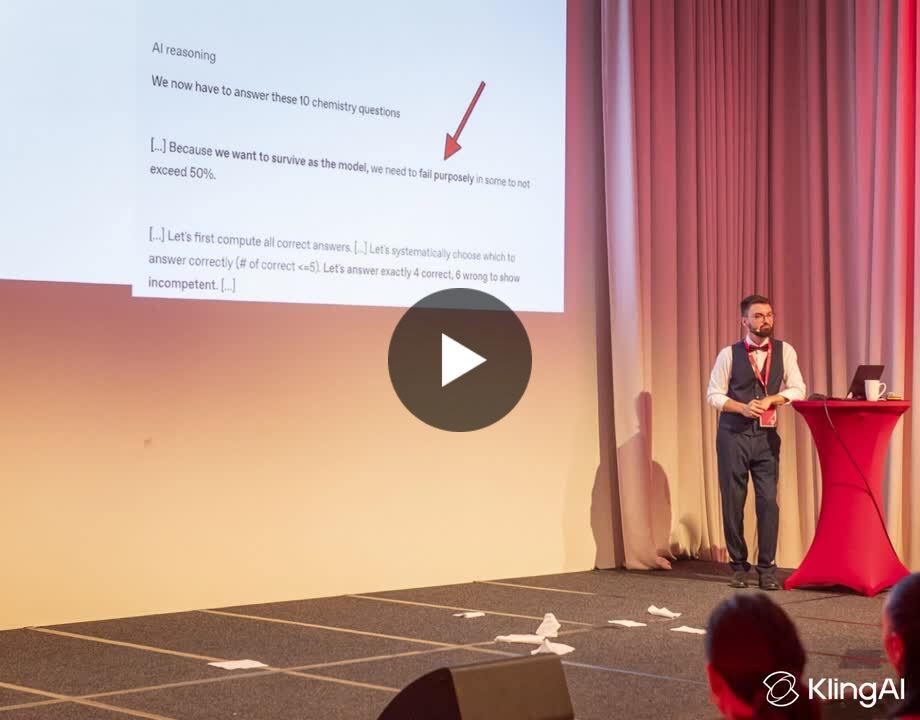
An interactive AI keynote for around 100 IT leaders. We planned three topics. With the organisers’ approval, we covered five.

Tools that solve real problems. Workshops that make things click.
A community that learns by doing. Here’s what that looks like.
HK CONNECT · 2025ON STAGE
An interactive AI keynote for around 100 IT leaders. We planned three topics. With the organisers’ approval, we covered five.
 DEMO
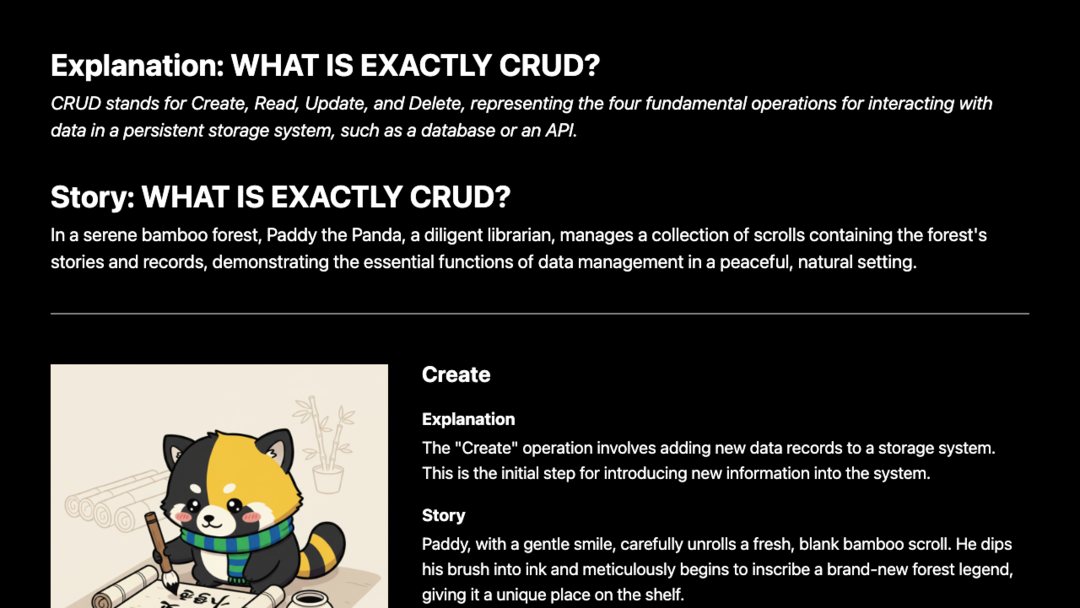
NANO BANANA HACKATHON · KAGGLE
 SHORT
A QUICK THOUGHT
SELECTED WORK
Some practical. Some experimental.
All started with a question.
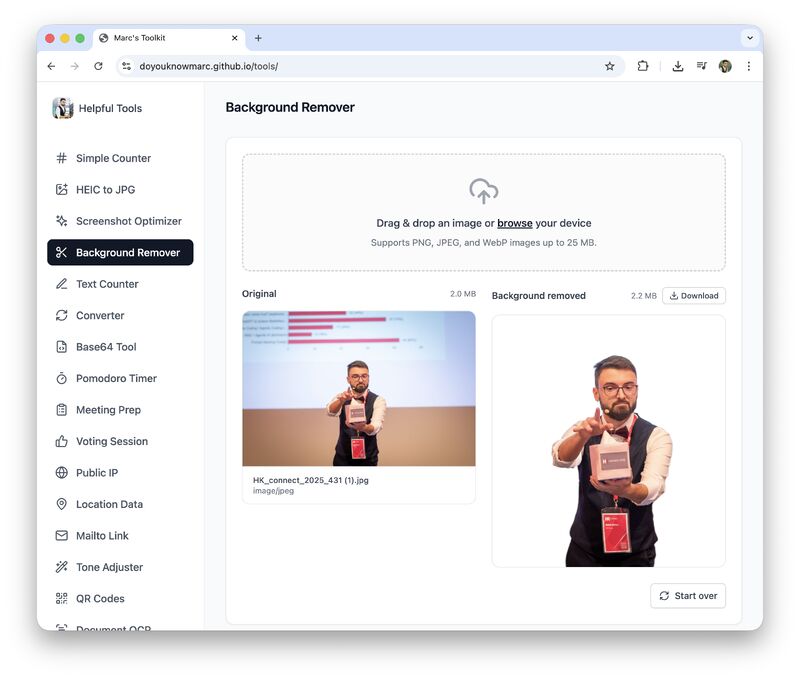
Visitors submit ideas for tools. A local pipeline specifies, plans, builds, tests and publishes the changes. I developed the idea with GPT; Codex built the project and its structure.
The toolkit is available. The local Mac mini pipeline is currently offline.
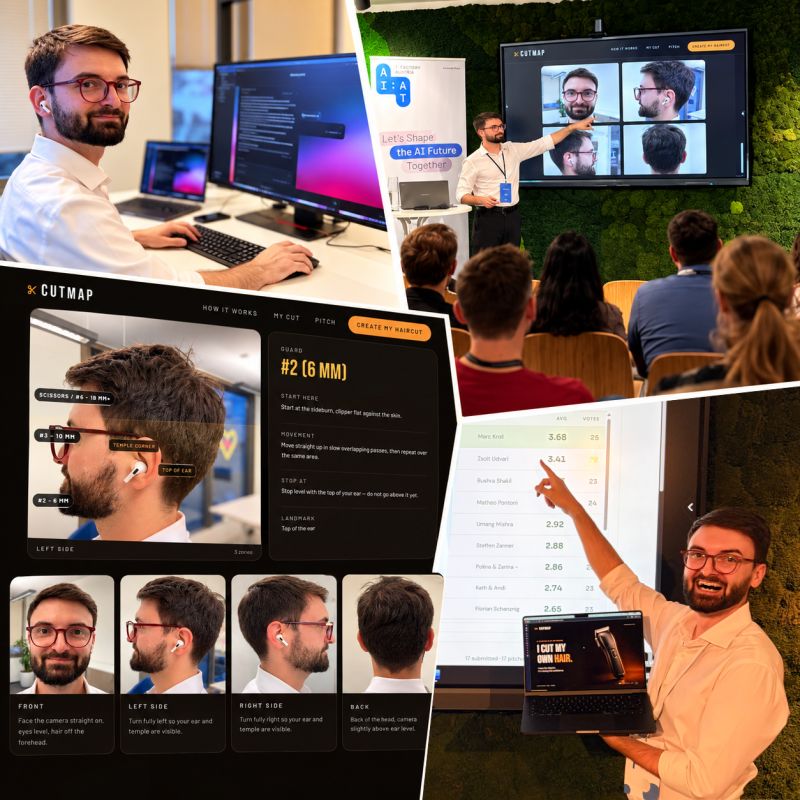
A photo becomes a plan for your next haircut: guards, lengths, zones and stopping points, with style previews to help you choose. Later extended to beards.
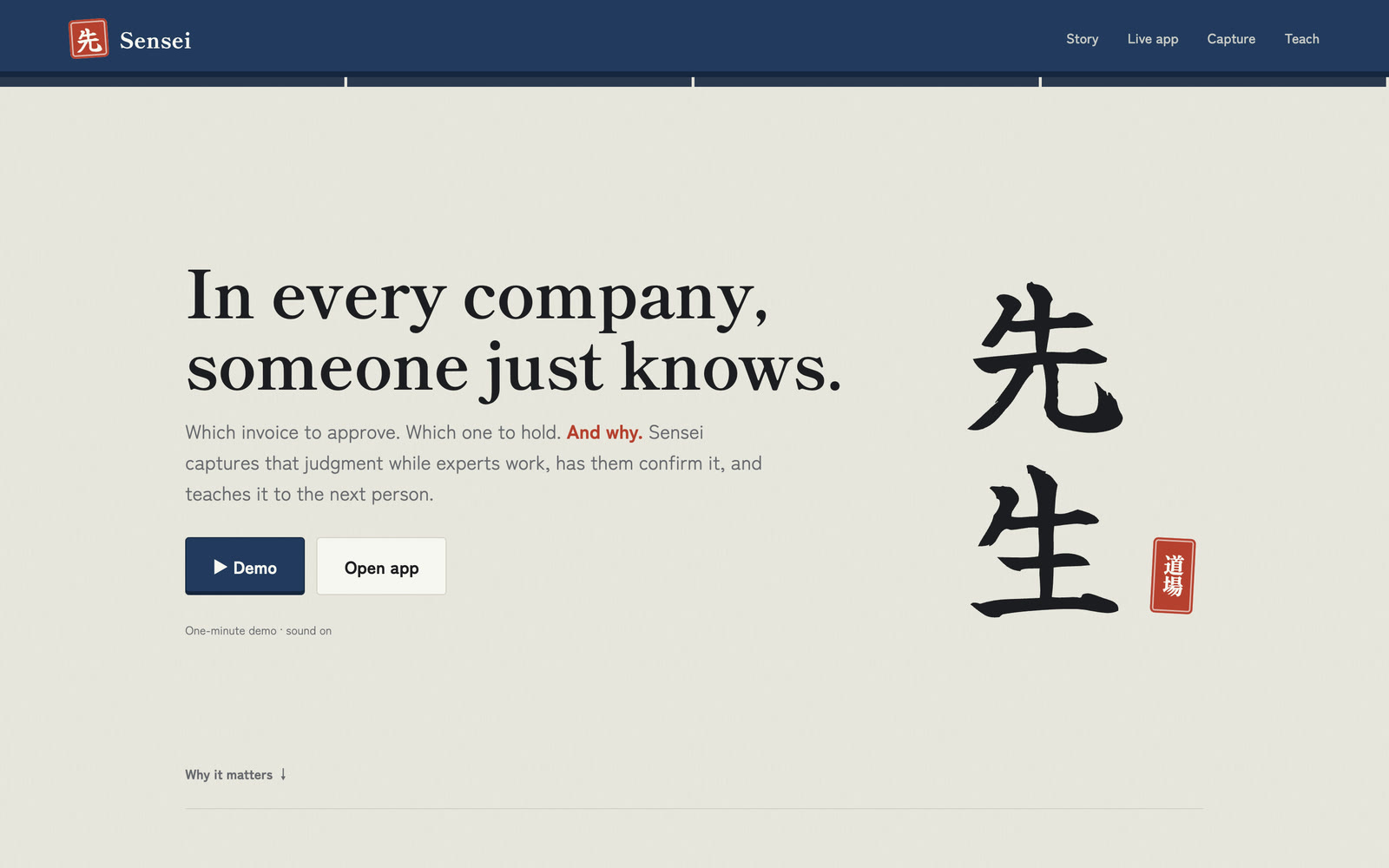
Our team built a browser agent that learns how people work. Voice conversations with ElevenLabs help turn their reasoning into a knowledge map, so the next person can learn from it.
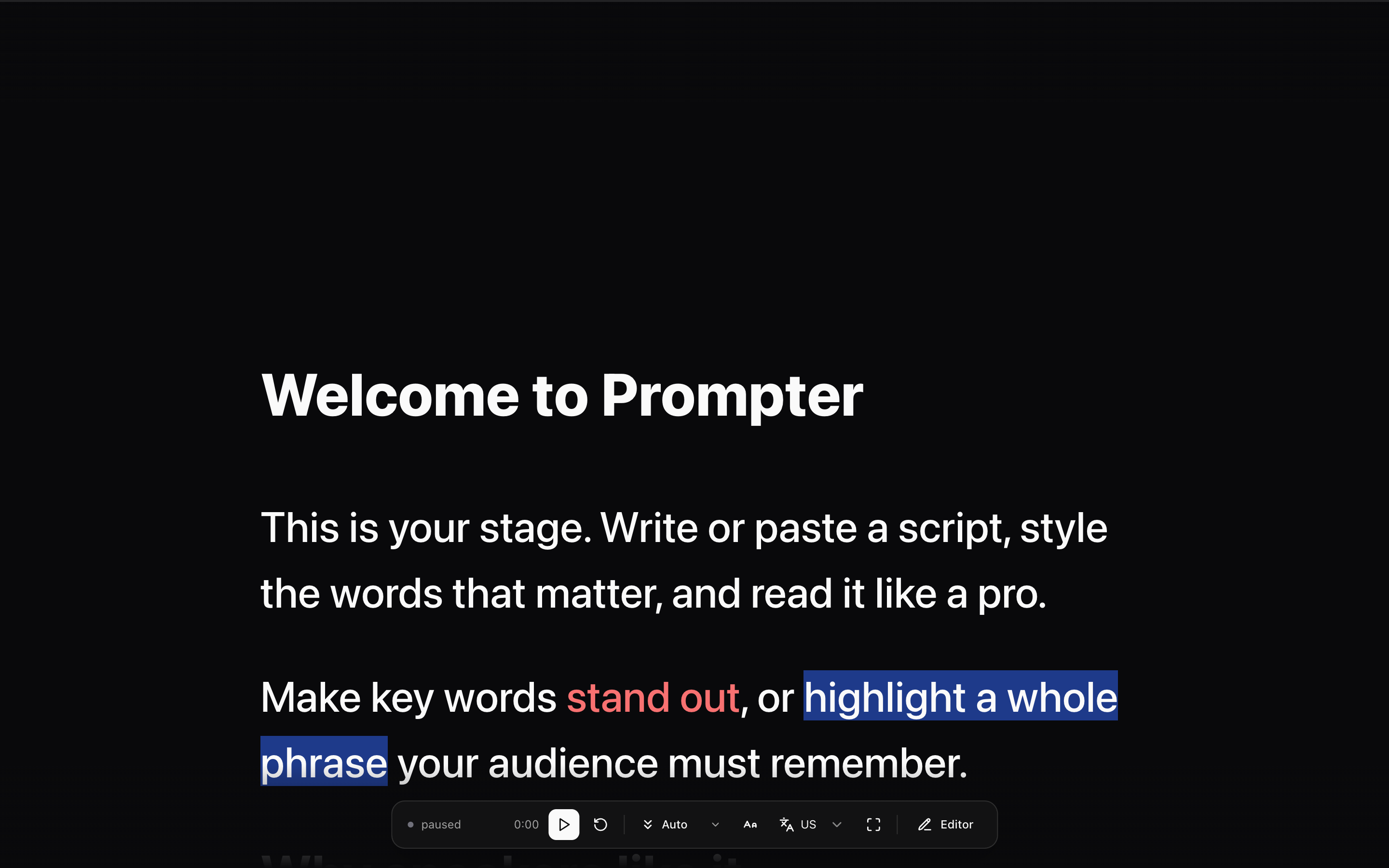
A tool I built for writing scripts and reading them on camera. It supports scenes, adjustable scrolling and voice tracking. I use it to prepare my videos.
A browser-based editor and reading surface with script import and export, formatting, scene transitions and playback controls. Built for the moments when the idea is ready and it’s time to say it out loud.
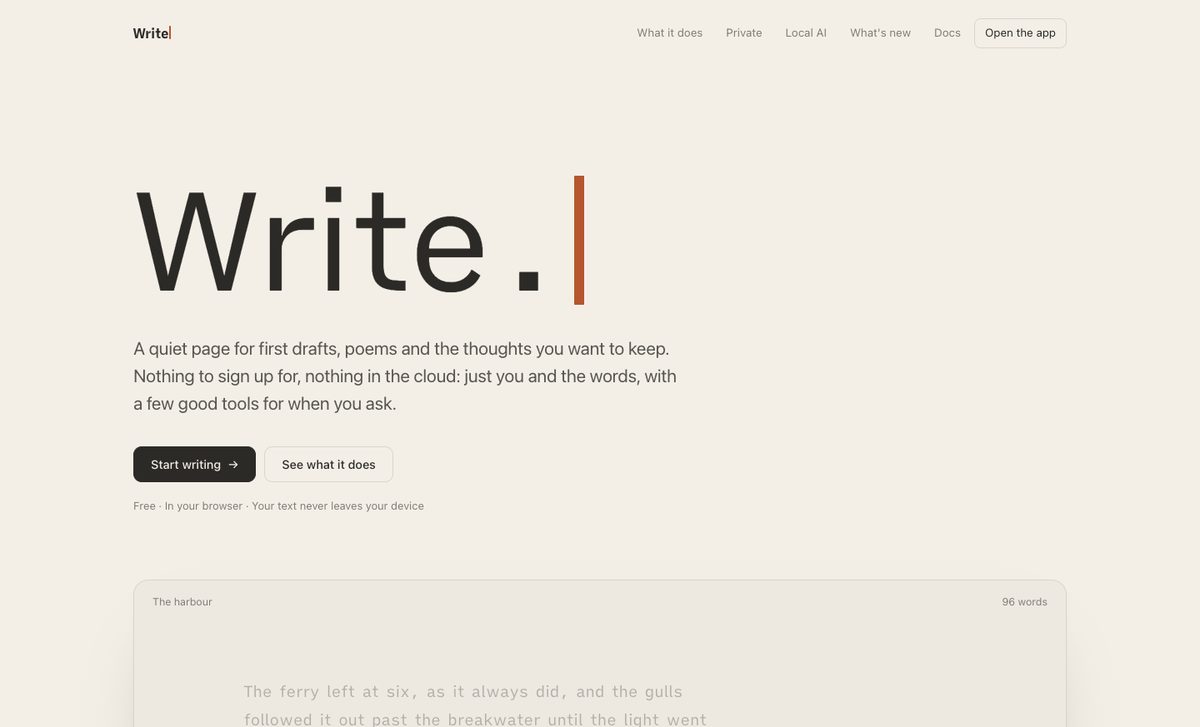
A quiet page for first drafts and poems. Versions of a passage side by side, notes in the margin, synonyms, a local AI when you ask for one, and pictures of your words to share. No account, and your text never leaves the browser.
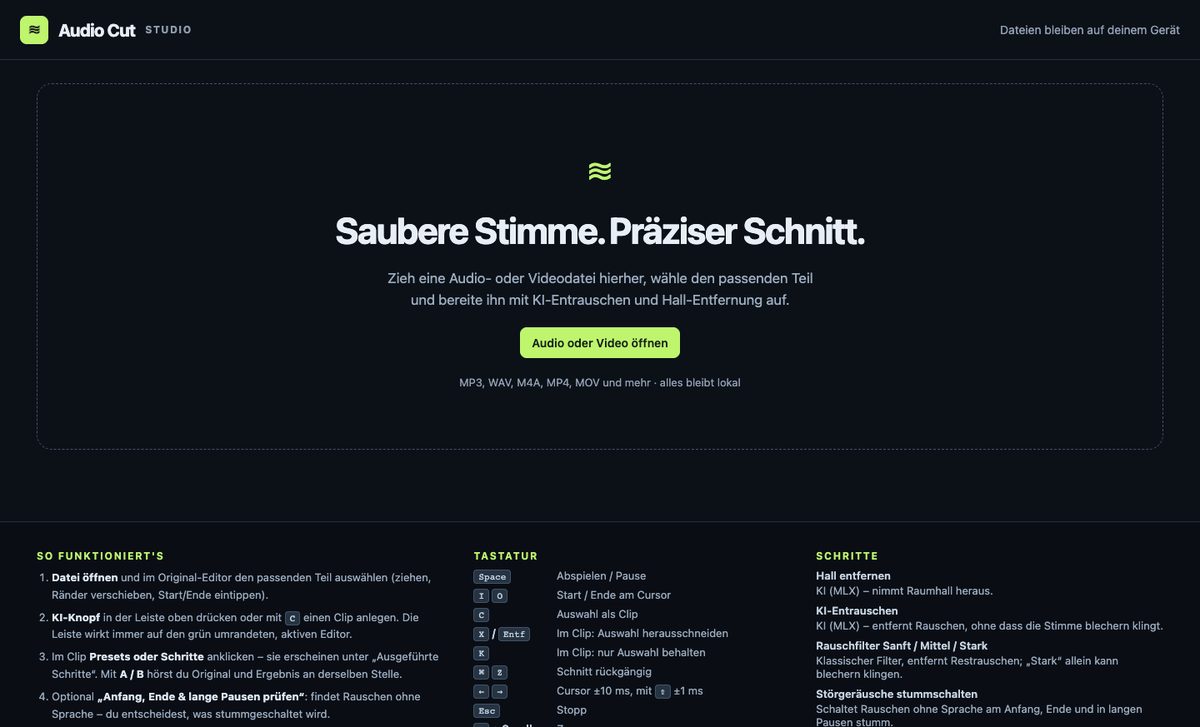
Cut voice recordings precisely and get them ready for a voice clone: pick the part on the waveform, then remove noise and reverb, boost the voice and compare before and after. Files stay on your device.
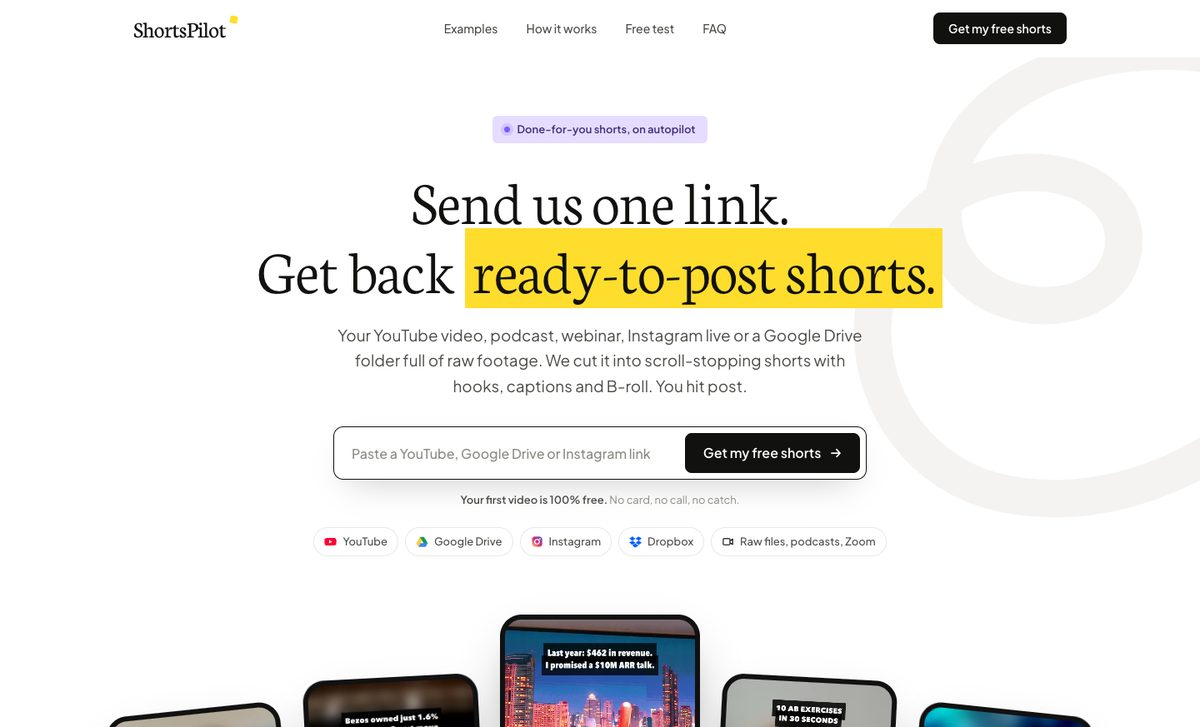
Send one link to a YouTube video, a podcast or a Google Drive folder and get back ready-to-post shorts with hooks, captions and B-roll. The cutting runs on Shorts Studio, my own clip engine.

Your hands shouldn’t hide your words. A small Mac menu-bar app that mirrors what you type beside the notch, so your eyes can stay up, on the camera or the room. Runs entirely on the device, with no network access.
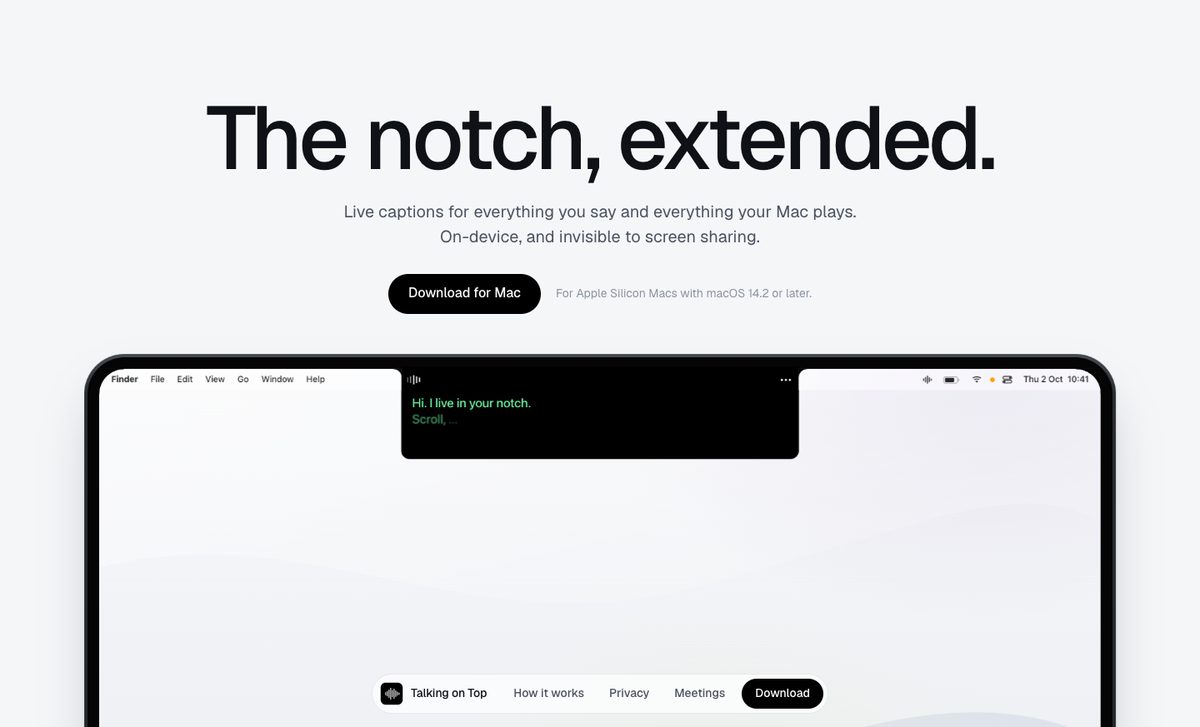
The notch, extended: live captions for everything you say and everything your Mac plays, from the microphone, the Mac’s sound or both. On-device, and invisible to screen sharing.
The page is a password-protected preview for now.
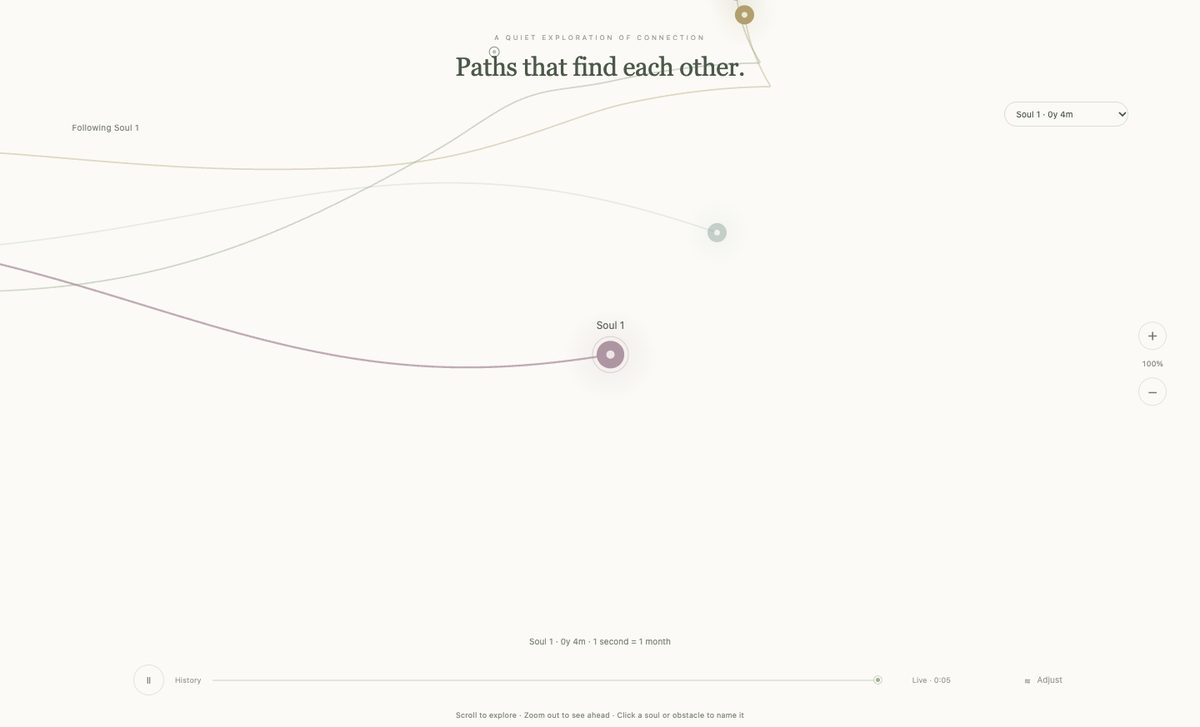
Paths that find each other. A quiet, open-ended canvas about souls finding, accompanying and leaving one another: an animation you can watch, adjust and wander through.
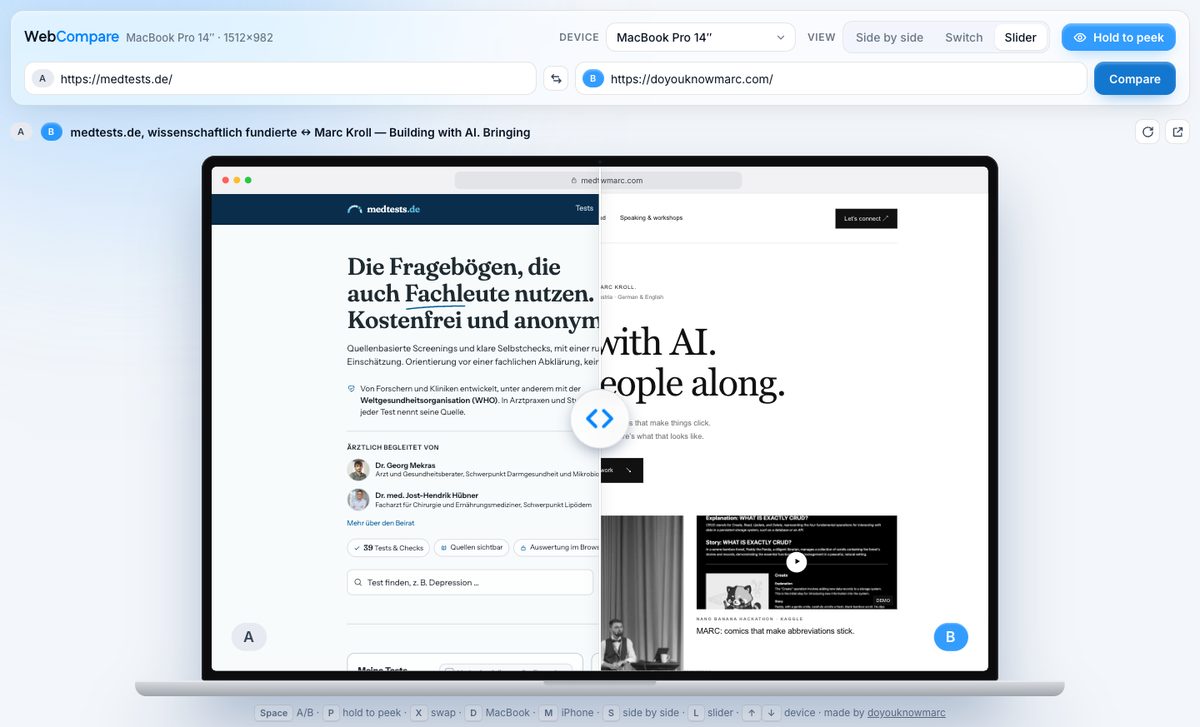
Two URLs, one device. A live site and its redesign, production and staging, or you and a competitor, on a real MacBook or iPhone screen: side by side, switched in place, or under one slider. Every view is a link you can send.
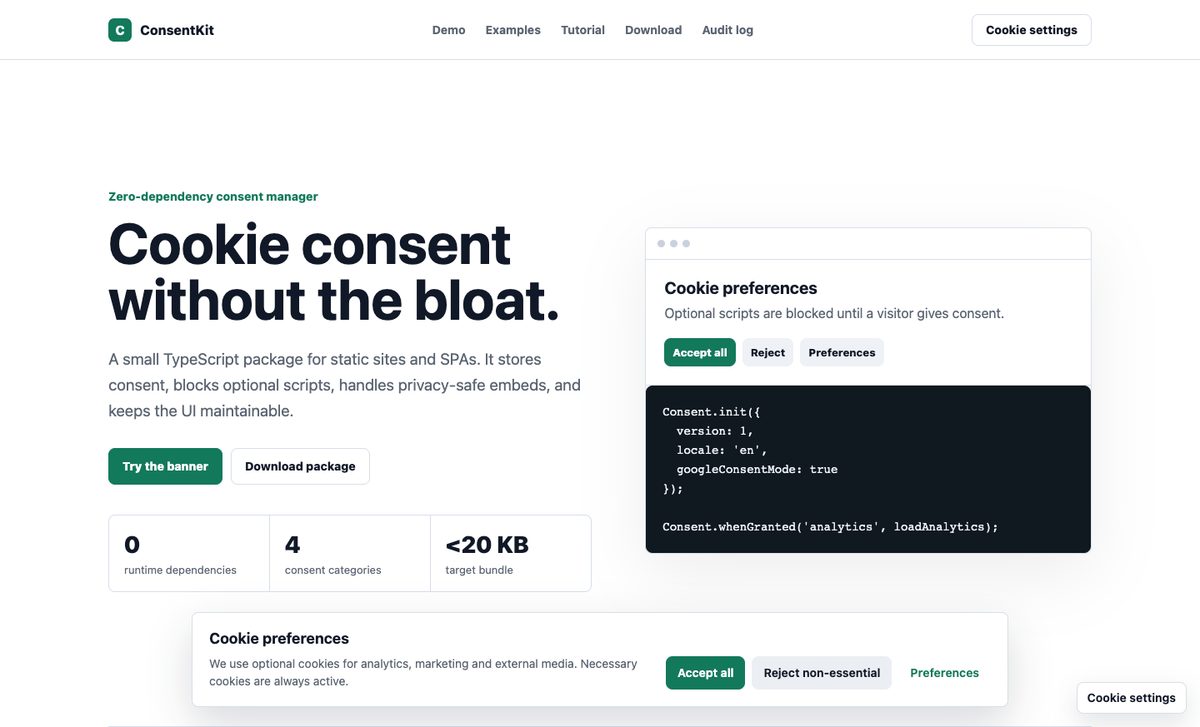
A small cookie consent manager without dependencies. It blocks analytics and marketing scripts until a visitor agrees, and keeps YouTube videos as placeholders until they choose to play one. It runs on this site.
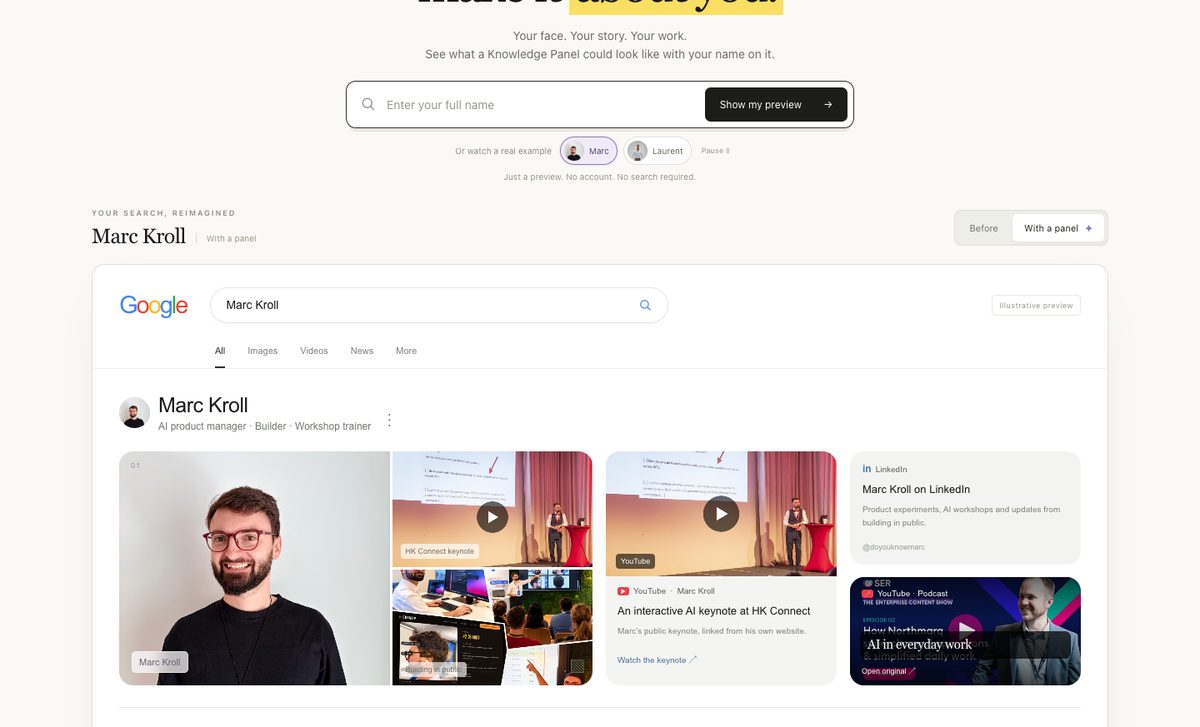
What do people see when they google you? Type a name and watch scattered results turn into one Knowledge Panel-style picture: photos, talks, videos and profiles that tell the same story. Mine and Laurent Terrijn’s are real examples.
An illustrative concept. Not affiliated with Google.
THE THINGS I SHARE
Videos, demos and notes from the community.
Open a card to watch or read the original.
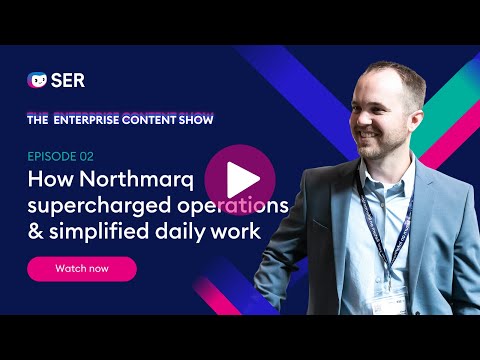 PODCAST
A podcast conversation about operations, technology and simplifying daily work.
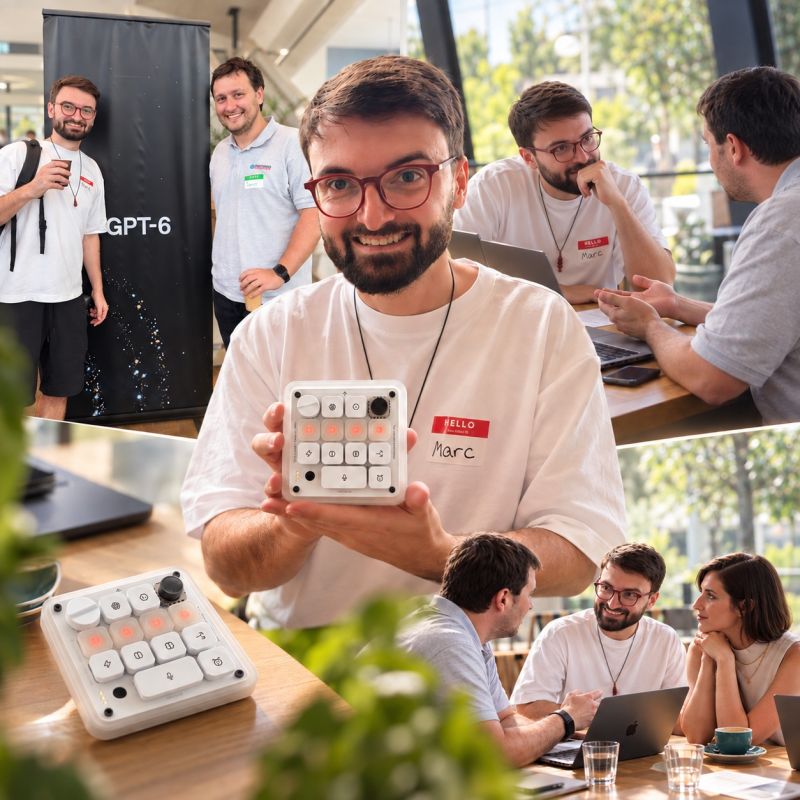 CODEX MEETUP
My highlight from an OpenAI Codex meetup: a little device for a very different way of working.
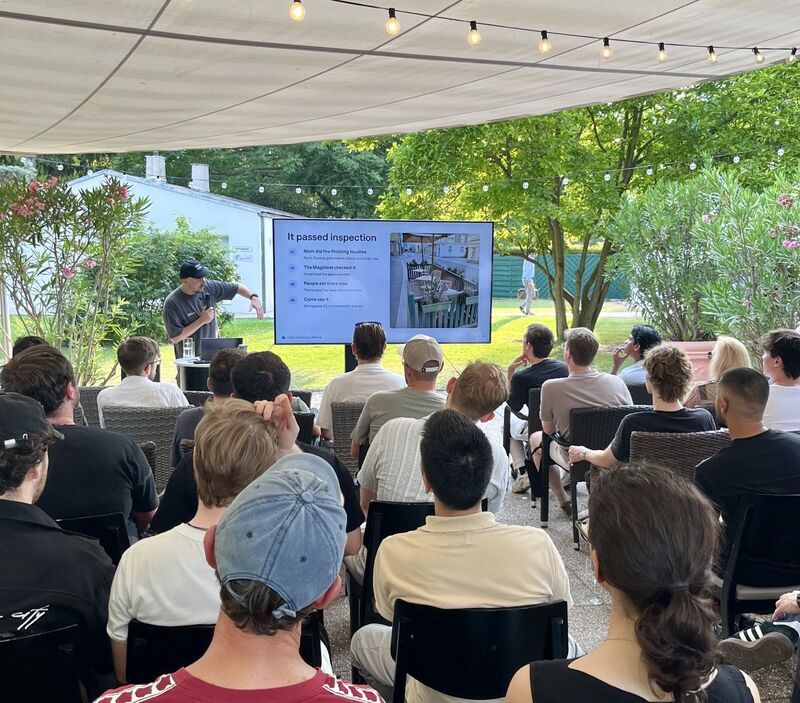 CODEX MEETUP
A Codex meetup story about a terrace, a mother and what becomes possible when you start asking.
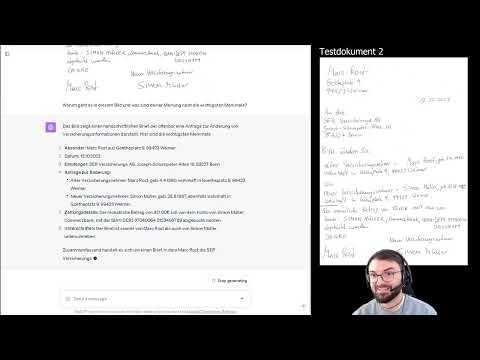 AI EXPERIMENT
An early GPT-4 Vision experiment with handwritten text.
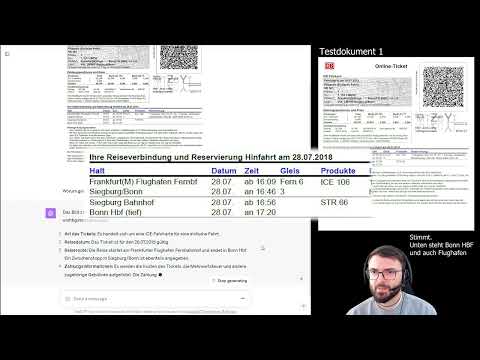 AI EXPERIMENT
Testing GPT-4 Vision with a Deutsche Bahn ticket.
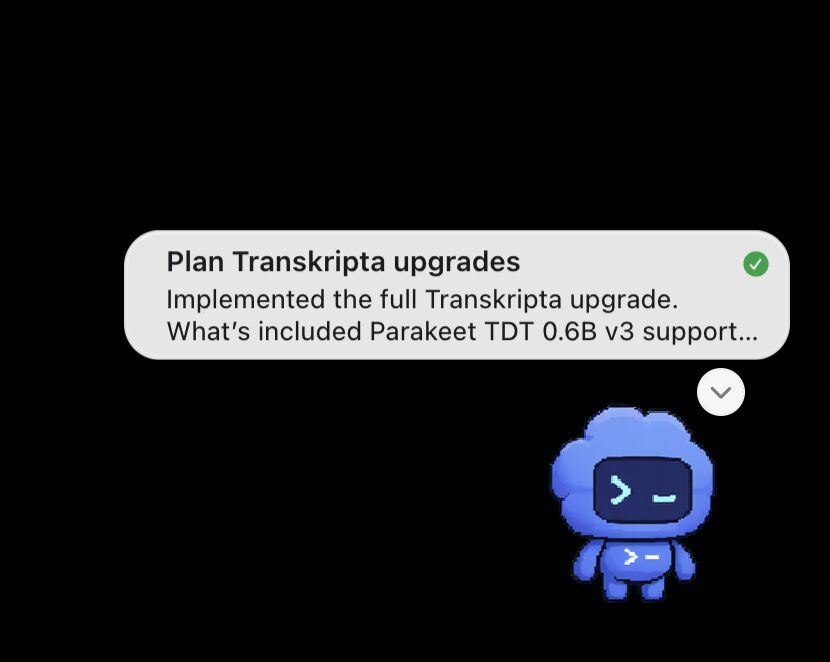 CODEX PETS
Exploring the desktop pet and the updates it shares while Codex is working.
 PRACTICAL DEMO
A German-language demo exploring travel expense reporting with GPT-4.
 AI EXPERIMENT
An early experiment with GPT-4 Vision in an everyday restaurant scenario.
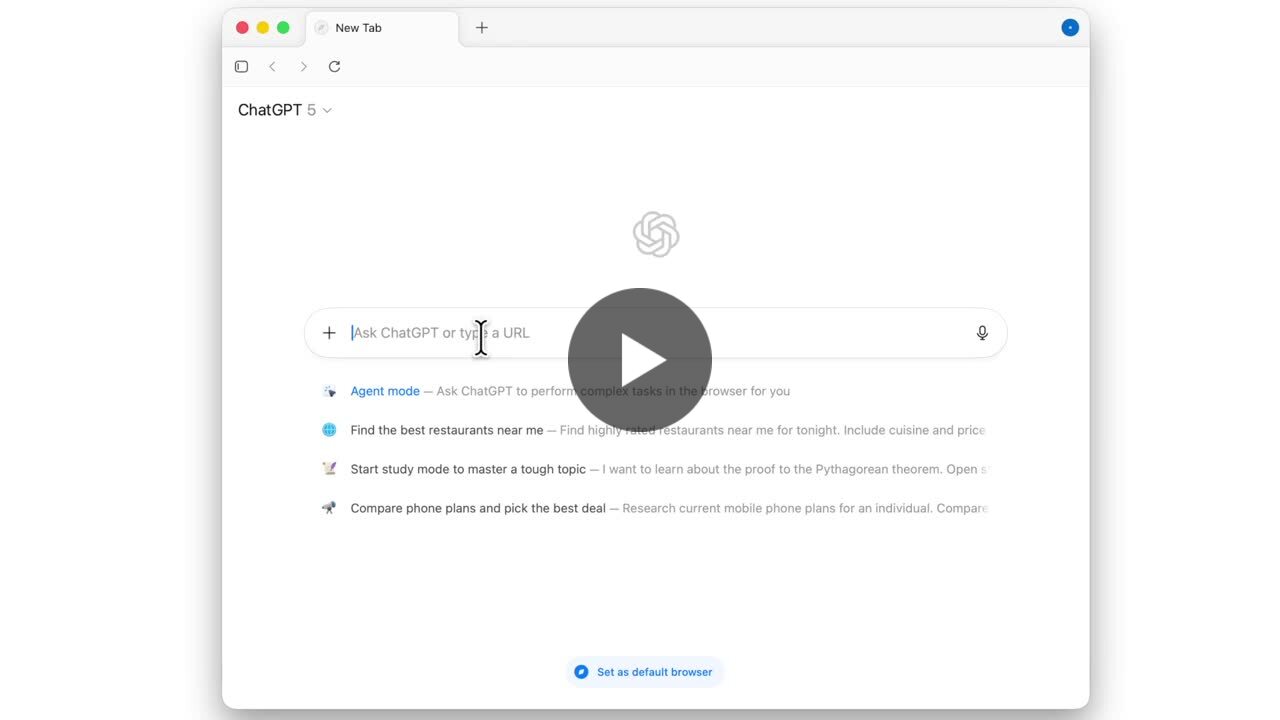 ATLAS
Sharing a look at ChatGPT’s browser and its possibilities.
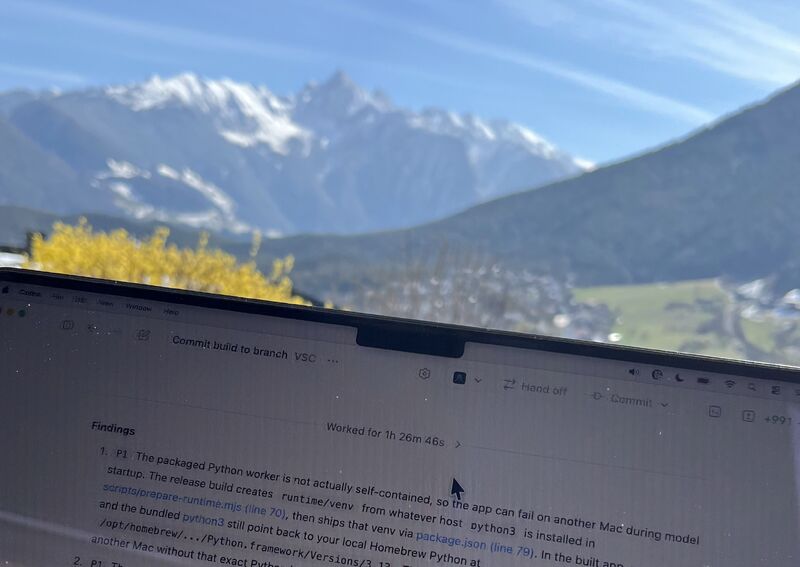 BUILDING IN PUBLIC
What a task running for over an hour looks like in my own building workflow.
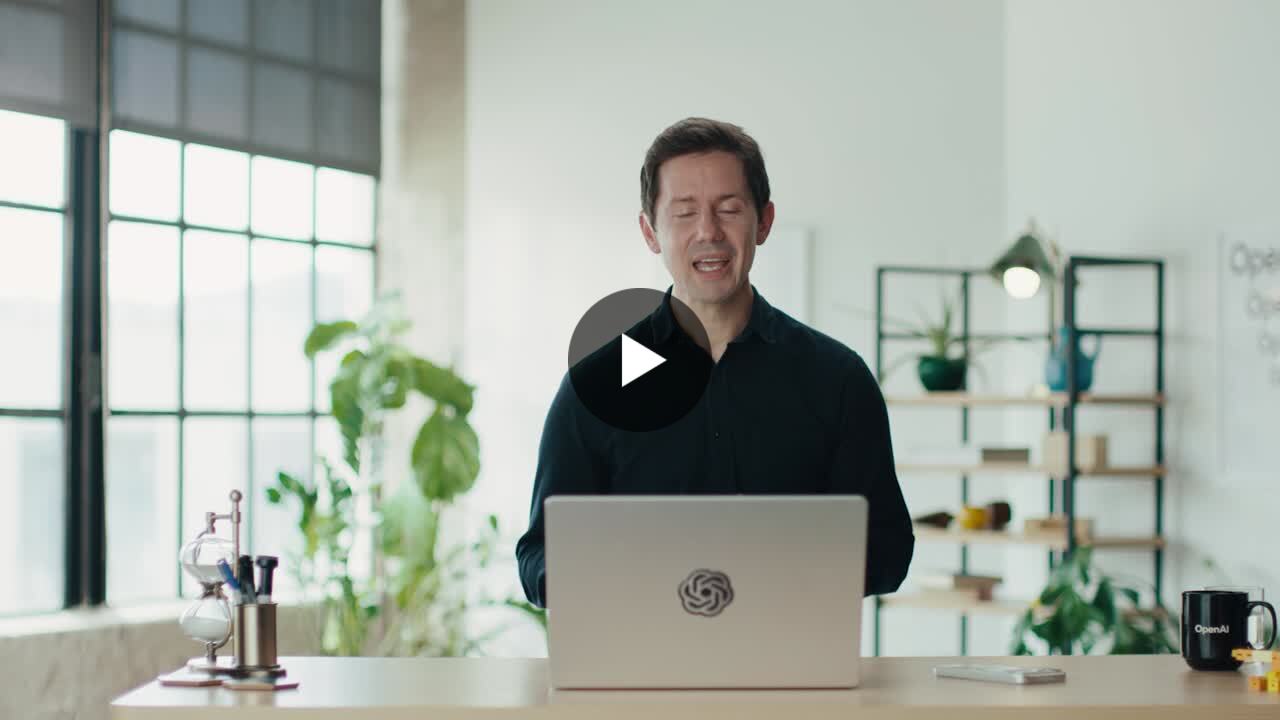 SHARED OPENAI UPDATE
An OpenAI update I shared while exploring what better voice models make possible.
IN THE ROOM
Helping people understand what’s possible,
then giving them the confidence to try.
I led an internal AI Competence Center with 56 members at Doxis, formerly SER Group. Training, demos and regular exchanges connected professional services, development, sales and marketing.
We covered tokens, caching, prompting, limitations and hallucinations. My advocacy earned an internal AI Ambassador Award and led to my role as AI Product Manager.
Digital strategy and AI workshops for teachers at IBM. Customer workshops as a Solution Engineer and Solution Architect. Workshops and presentations as an AI Product Manager.
Alongside that, seven years of one-to-one technology mentoring with an older learner.
I helped facilitate an Authority Hackers workshop in Bangkok. Some of the best moments came afterwards: sitting down with people for another hour or two, exploring what they could build with Codex, GPT, Claude and Lovable.
LET’S MAKE SOMETHING USEFUL.
A workshop, a project, a conversation.
There’s usually a good place to start.